
Match the login field to your account record
Published account screens offer different identification routes. An email field expects the registered address, while a phone route may separate the international prefix from the national number. A display nickname is not necessarily an account ID. Before submitting, inspect the selected tab and the label above the field; autofill can place a correct value in the wrong form.
| Identifier | Correct reference | Typical mismatch |
|---|---|---|
| Address attached to the account | A newer mailbox never registered | |
| Account ID | Operator-issued identifier | Public nickname entered instead |
| Phone | Registered number and country code | +91 entered twice |
| Saved login | Matching domain and account entry | An old password filled automatically |
For an Indian number, +91 is the calling code. If a separate selector already supplies it, follow the remaining field’s example. A country selector is a formatting feature, not proof of permitted access; see the India legal guide.
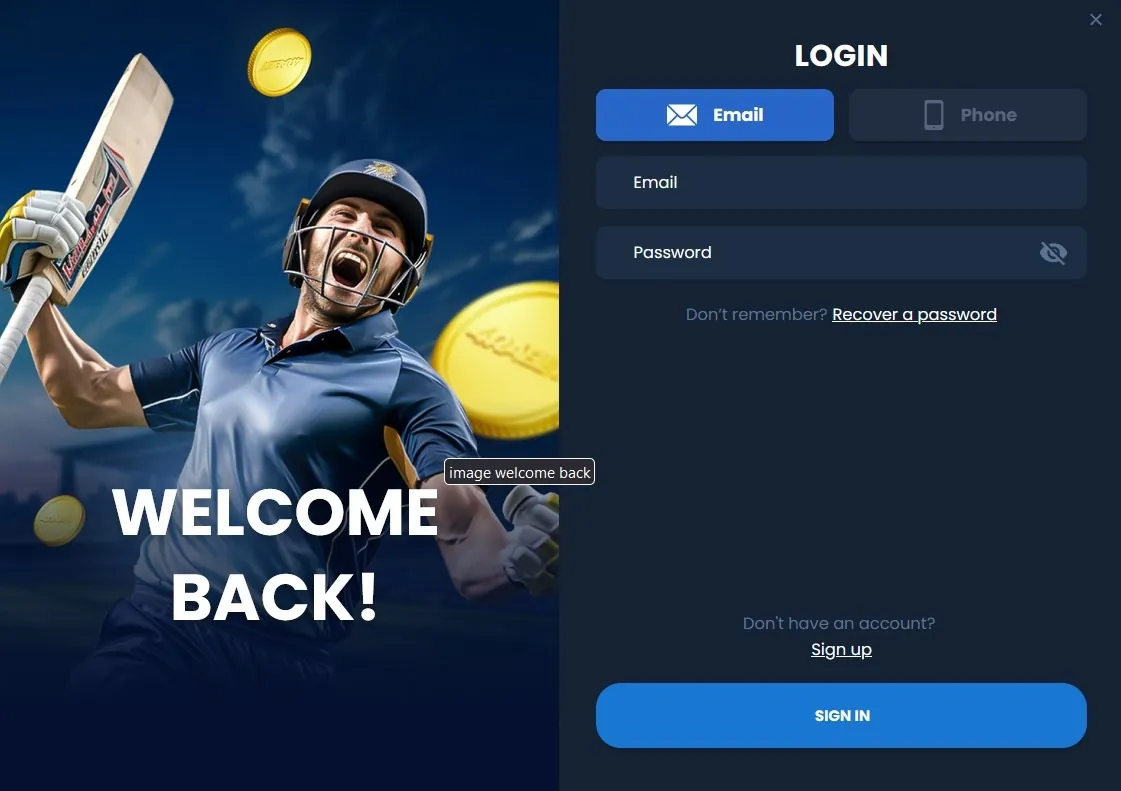
Use a five-step password recovery sequence
Keep recovery inside the verified account interface
- Open the recovery control from the established sign-in page.
- Enter the contact or account identifier already registered.
- Check that the masked destination belongs to you.
- Use the requested reset message and create a unique password.
- Return to the same sign-in route and update the saved credential.
A reset link or one-time code can grant access to the account. It should not be forwarded to a coupon website, chat-group administrator or someone offering to complete the reset for you. Use only a message that corresponds to an action you initiated.
If the associated mailbox is compromised, secure it as well. Resetting the gambling account while another person controls its recovery email can leave the account exposed again immediately.
Work through an absent or expired OTP
First compare the destination shown by the form with the actual phone or mailbox. Then check normal message reception, spam filtering and any recently changed SIM or email settings. Follow the countdown and resend instructions on the interface rather than requesting codes repeatedly.
Three requested codes do not mean three interchangeable credentials. A service can invalidate an earlier code when a new one is issued. Read the purpose and expiry attached to the latest request. A bank-payment OTP authorises something different from a password reset, even when both arrive by SMS.
- Do not use a public SMS inbox for recovery.
- Do not substitute a friend’s number for the registered contact.
- If the original number is lost, ask about ownership verification.
- Keep banking PINs and payment codes out of support messages.
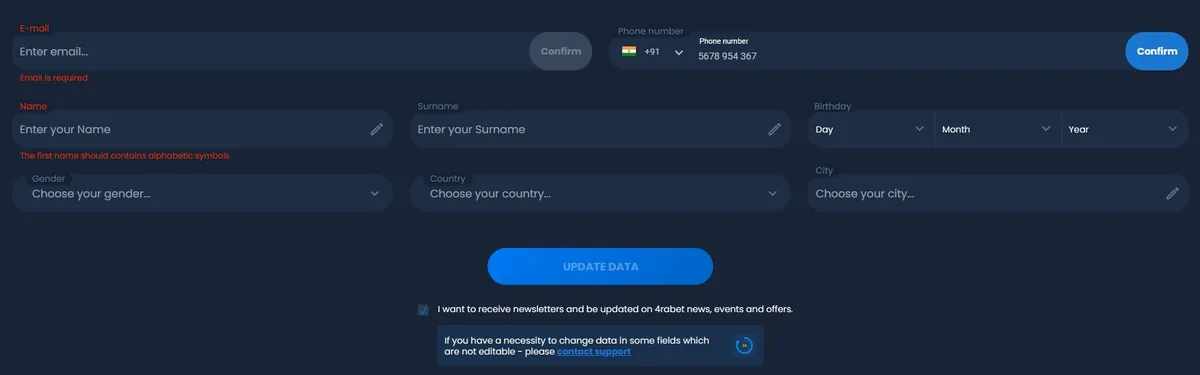
Translate the error into the right next action
Account restriction versus device fault
“Wrong password”, “account locked” and a page that never loads describe different stages. Repeating the same input cannot identify the cause. Save the exact message, date and device context before changing settings. Avoid removing local data until useful information has been preserved.
| Observed problem | First check | Useful response |
|---|---|---|
| Credentials rejected | Field type, keyboard and saved value | Use recovery after correcting obvious input errors |
| Recovery message absent | Destination and filtering | Follow resend guidance or request help |
| Account restricted | Notice and case reference | Follow the stated review procedure |
| Only Android fails | Release and device version | Report an app-specific issue |
| Unexpected balance | Account ID and balance category | Inspect transaction history |
A restriction is not a reason to adopt a false identity, change territory or use an unverified mirror. The domain-check guide explains how replacement-address claims can expose credentials.
Bring browser and mobile credentials back into agreement
A browser session can remain open while an app submits an obsolete saved password. After a reset, update the correct password-manager record on each device. Check the destination domain before allowing autofill; similar-looking hosts can have separate entries.
If one format works, record what differs rather than registering again. App release, operating-system version, browser version and whether the failure occurs before or after verification are useful details. The mobile access guide separates software updates from account recovery. An app update should not require a new player account.

Review the account once access returns
Restoring the login screen is only the first step after a suspicious access event. Review registered contacts, recent transactions and the available session-management controls. End unfamiliar sessions if that option exists, and check whether any payment or profile change needs to be reported.
Keep cash and bonus balances distinct. A combined amount can change when an offer expires or a transaction is settled; that is different from a login error removing money. For a disputed transaction, keep its reference, amount and status and consult the withdrawal guide.
Changing a password does not necessarily terminate every existing session. Review the actual security controls rather than assuming that one action has completed every protection step.
Send a support request that can be investigated
A useful request identifies the stage that failed, not just “login broken”. Include the account identifier through the authenticated channel, the exact error, the time with timezone, device details and whether you changed a phone, email or password recently. Attach a redacted screenshot if it adds something the message cannot describe.
- State whether the failure affects browser, app or both.
- Quote the notice without passwords or security codes.
- List one or two checks already completed.
- Ask for the case reference and the next required step.
Keep replies in the same case where possible. An unexpected demand for a payment to unlock login deserves independent verification; sending more money does not establish ownership or solve an ordinary password problem.
Questions answered
Can I use a nickname to sign in?
Only if the interface specifically accepts it. An account ID, registered email and display nickname are different identifiers.
What should I do after changing my phone number?
Use the operator’s established contact-update or ownership-recovery process. Replacing the number in a new account does not recover the original account.
Why does an old password still appear in the app?
A password manager or app may retain the previous value. Update the saved entry after a successful reset and check that it belongs to the correct account.
Does a login failure mean that a withdrawal has failed?
No. Sign-in and transaction processing are separate. Preserve the withdrawal reference and obtain the actual transaction status through authenticated support.